IncludedOn every plan, shares the e-invoice limit
E-way bill software that starts from the IRN
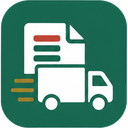
Your e-invoice already holds the seller, buyer, items and value. Moharbill makes the e-way bill from that IRN, so dispatch adds only the vehicle. Then it watches validity, reminds you before expiry and handles Part-B changes and extensions.
No card · E-way bill through the e-invoice API · Your CA joins free
 E-way bill
 From the IRN
 Expiry alerts

How it works
From IRN to a moving truck in three steps
Nothing is typed twice: Part-A comes from the invoice, Part-B is the vehicle.
- 1
Generate the IRN
Save the bill with Ctrl+S and generate the IRN with Alt+G, one at a time or up to 50 together.
- IRN generated
- Value ₹2,14,005, above ₹50,000
- 2
Make the e-way bill from it
Open E-way bills, pick the invoice and press Alt+W. Check the pincodes and distance, choose road, rail, air or ship, and add the vehicle or transporter ID.
- Part-A from the IRN
- Vehicle MH40BG2291
- Distance 412 km · valid 3 days
- 3
Track it until delivery
The list shows what expires today, what is waiting for Part-B and what can still be extended. Print the e-way bill or share its number with the driver.
- Active · valid till 20-10-2026
- 1 bill expires today
Inside the app
Every e-way bill in one register


Validity and extensions
Know before an e-way bill runs out on the highway
Validity is one day for every 200 km or part of it (20 km for over-dimensional cargo), counted from when Part-B is first added and ending at midnight. If the truck is held up, the portal allows an extension only from 8 hours before to 8 hours after expiry. Moharbill opens that window for you and works out the new validity from the distance left.
- Expires today: bills that end tonight are at the top of the list, so dispatch can extend or close them in time.
- Part-B pending: an e-way bill made without a vehicle shows as waiting, and its validity starts only when you add one.
- Limits checked: no e-way bill for a document older than 180 days, and extensions stop at 360 days from the first one.
Part-B and cancellation
When the truck changes, the e-way bill changes with it
Transhipment, a breakdown or a second vehicle: update Part-B with the new vehicle, the place where the goods are now and the reason. The driver keeps the same e-way bill number. If an e-way bill was made by mistake, cancel it within 24 hours; an IRN with an active e-way bill can only be cancelled after the e-way bill is.
What you can do
E-way bill actions in Moharbill today
| Action | In Moharbill |
|---|---|
| E-way bill from an IRN | Yes. Part-A from the invoice; add vehicle or transporter ID |
| Part-B: first vehicle, change of vehicle | Yes. Reasons: first time, breakdown, transhipment, others |
| Extend validity | Yes. Inside the window from 8 hours before to 8 hours after expiry |
| Cancel | Yes. Within 24 hours of generation, with a reason |
| Print the e-way bill | Yes. With the e-way bill number and validity |
| Bulk e-way bills | Soon. Bulk IRN works today (50 at a time); e-way bills follow one per invoice |
| E-way bill without an IRN (B2C, stock transfer, job work) | Soon. Planned with a GSP connection; until then use the e-way bill portal for these |
| Consolidated e-way bill for many bills in one vehicle | Not yet |
E-way bill guide
What an e-way bill needs, and where software saves time
An e-way bill has two parts. Part-A describes the consignment: GSTINs of the supplier and the recipient, place of delivery, document number and date, value, HSN code and the reason for transport. Part-B is the vehicle number (or the transport document for rail, air or ship). An e-way bill is not valid for movement until Part-B is filled, which is why many dispatch desks make Part-A early and add the vehicle when the truck arrives.
If you issue e-invoices, Part-A is already sitting inside your IRN. Typing it again on the e-way bill portal, or uploading a JSON file, is where most mistakes creep in: a wrong pincode, a different invoice value, an old vehicle number. Making the e-way bill from the IRN removes that step.
The rules dispatch has to get right
| Rule | What it means at the godown |
|---|---|
| Value above ₹50,000 | An e-way bill is needed before the goods leave. Some states set a higher limit for movement inside the state; check yours with your CA. Check with CA |
| Validity: 1 day per 200 km | Counted from the first Part-B, ending at midnight; 20 km per day for over-dimensional cargo |
| Extension window | From 8 hours before to 8 hours after expiry, with the distance still to go |
| Document age | No e-way bill for an invoice older than 180 days |
| Cancellation | Within 24 hours of generation |
Where Moharbill fits, and where it doesn't yet
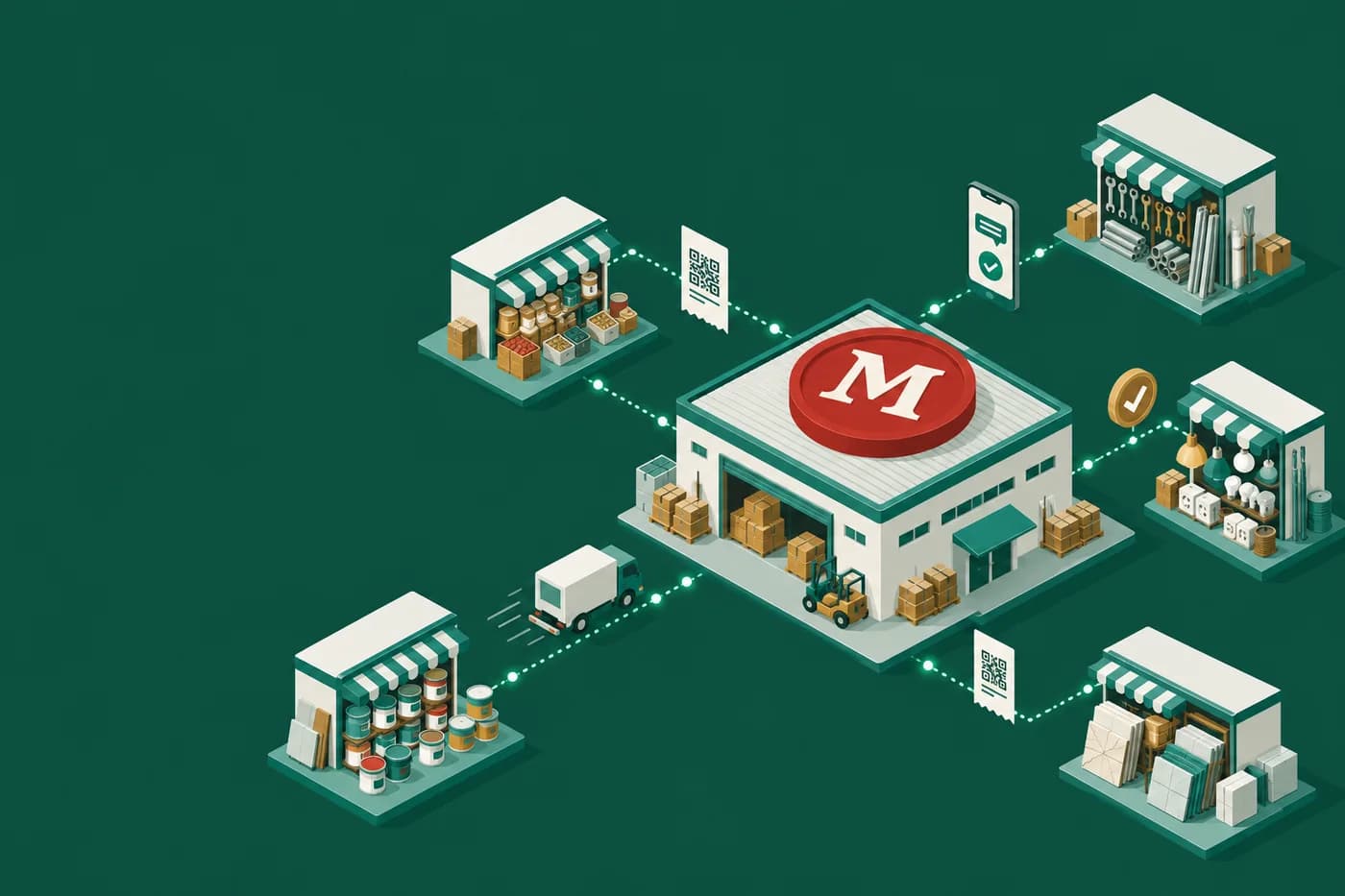
Moharbill is built for distributors and wholesalers who already issue e-invoices, so every e-way bill starts from an IRN. If most of your movements are B2C, stock transfers between your own godowns or job work, you will still need the e-way bill portal for those until the standalone e-way bill arrives. We would rather say that now than have you find out at the godown.
Sources
Checked on 17-10-2026.
- CGST Rules 2017, rule 138 (e-way bill) and rule 138(10) (validity), as coded in our tax rules with their source dates.
- GSTN advisory on e-way bill and e-invoice system updates (180-day document limit and extension rules), as listed in our compliance research of 16-10-2026.
E-way bill software price
E-way bills share the e-invoice limit
No separate charge per e-way bill inside your plan. Prices before GST.
Compare plansFree
₹0
20 / month
Pro
₹999/mo
1,000 / month
Business
₹2,499/mo
5,000 / month
When is an e-way bill needed?
When goods worth more than ₹50,000 move in a vehicle, the e-way bill must exist before the movement starts (rule 138 of the CGST Rules). Some states have notified a higher limit for movement inside the state. Moharbill flags every bill above ₹50,000 today; state-specific limits are added after our CA review.
Can I make an e-way bill without an e-invoice?
Not in Moharbill yet. Today the e-way bill is made from the IRN, which suits businesses that issue e-invoices. E-way bills for B2C bills, stock transfers and job work are planned; until then use the government e-way bill portal for those.
How long is an e-way bill valid?
One day for every 200 km or part of it for normal cargo, and one day for every 20 km for over-dimensional cargo. The day ends at midnight. Try the free e-way bill validity calculator.
How do I extend an e-way bill?
Open the bill in E-way bills while it is inside the window from 8 hours before to 8 hours after expiry, enter where the goods are, the distance left and the reason, and confirm. The new validity is worked out from the distance left.
Can I change the vehicle number?
Yes. Use Update Part-B with the new vehicle, the current place and the reason (breakdown or transhipment). The e-way bill number stays the same.
Can I cancel an e-way bill?
Yes, within 24 hours of generation, with a reason. After that the portal does not allow cancellation.
Is bulk e-way bill generation available?
Bulk IRN is available today, up to 50 invoices at a time. Making many e-way bills in one go is coming soon; for now each one is a few seconds from its IRN.
Works well with
 Free e-way bill validity calculatorDays of validity for any distanceE-invoice softwareIRN, QR and the 30-day guard
 For steel tradersAn e-way bill for every truck
More features
Pakka bill, har baar.
Send your next truck with an e-way bill from the IRN
Connect your e-invoice login once. 20 e-invoices and e-way bills a month are free.